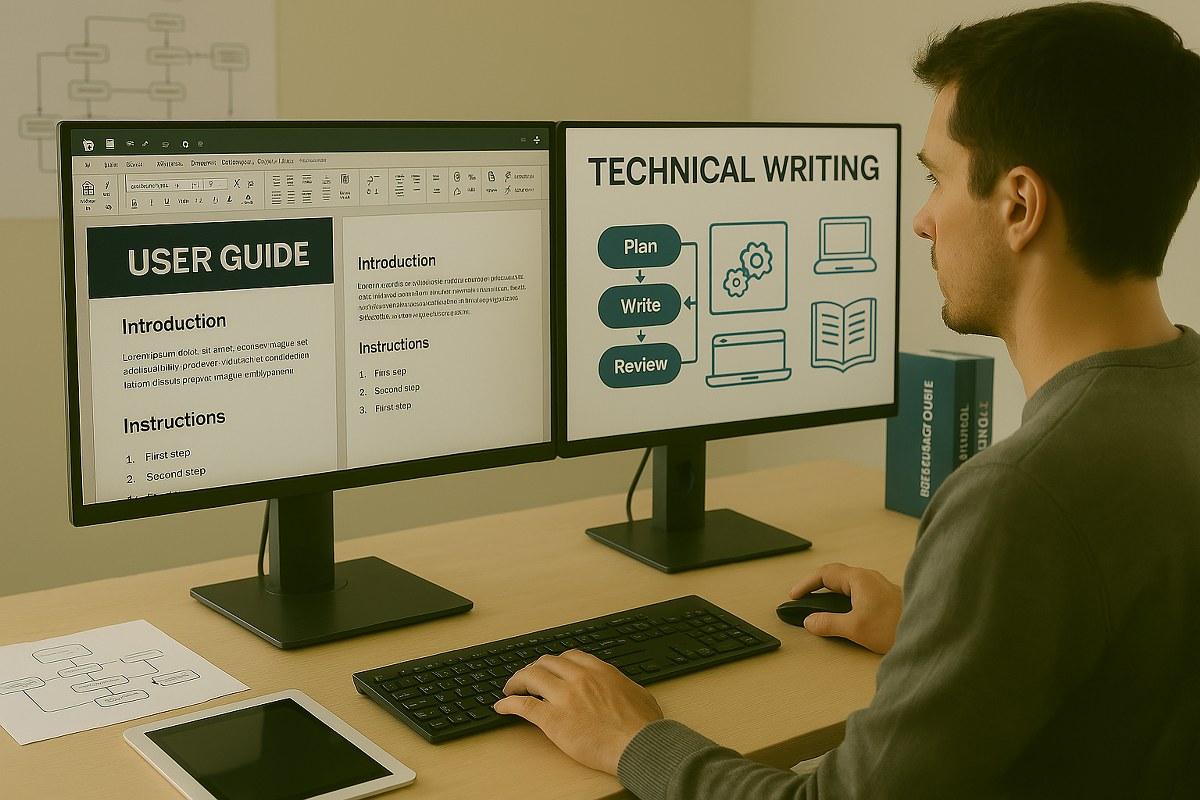
How to turn your technical knowledge into valuable digital products, tutorials, manuals, and downloadable guides
Technical knowledge has become a valuable digital product. Developers, IT professionals, designers, engineers, educators, and experienced hobbyists can transform what they know into technical documentation, step-by-step guides, tutorials, checklists, and practical manuals.
Instead of selling only your time through consulting or freelance work, you can package your knowledge into reusable resources that customers can purchase and download whenever they need them.


💡 What Is Technical Documentation?
Technical documentation explains how a product, system, process, or technology works.
It can be created for different audiences, including:
👨💻 Developers
🧑💼 Business owners
🛠️ Technicians
🎓 Students
🖥️ IT administrators
🎨 Designers
🧑🔧 DIY enthusiasts
📱 Software users
Examples include:
📘 User manuals
🧑💻 Developer documentation
⚙️ Installation guides
🔧 Troubleshooting manuals
📋 Checklists
🧪 Testing procedures
🗺️ Configuration guides
📚 E-books
📝 Step-by-step tutorials
📊 Technical reference sheets
The key is to solve a specific problem clearly and efficiently.
💰 Why Technical Guides Can Become Digital Products
A traditional service usually requires you to work with each customer individually.
A digital guide can be created once and sold repeatedly.
For example, imagine you create a guide called:
"Beginner's Guide to Setting Up a Small Business Website"
The guide could include:
Choosing a domain
Selecting hosting
Installing the website
Configuring essential settings
Adding security
Optimizing performance
Testing the website
Launch checklist
Once completed, the document can potentially be sold to many customers without recreating the entire guide.


🎯 Choose a Specific Problem
One of the biggest mistakes when creating technical documentation is trying to explain everything.
A better strategy is to solve one clearly defined problem.
Instead of:
❌ "Complete Guide to Computers"
Create something more specific:
✅ "How to Set Up a Secure Home Wi-Fi Network"
Instead of:
❌ "Learn Programming"
Create:
✅ "Beginner's Guide to Building a PHP MySQL Website"
Instead of:
❌ "SEO Guide"
Create:
✅ "Step-by-Step SEO Checklist for Small Business Websites"
Specific products are easier to understand, market, and position.
🔎 Research What Customers Need
Before creating a guide, investigate the questions people are already asking.
Useful research methods include:
🔍 Search Engines
Look for recurring questions and problems.
💬 Online Communities
Forums and communities can reveal what beginners struggle with.
⭐ Reviews
Study reviews of existing books, courses, and software.
Look for complaints such as:
"The instructions are confusing."
"There aren't enough screenshots."
"The guide is outdated."
"I don't understand step 5."
"There are no practical examples."
Those complaints can become opportunities.
🧑💻 Your Own Experience
If you've solved the same problem repeatedly for clients, students, coworkers, or yourself, you may already have the foundation for a useful guide.
📝 Build a Clear Structure
A professional technical guide should have a logical progression.
A simple structure could be:
1. Introduction
Explain what the guide helps the reader accomplish.
2. Requirements
List:
Software
Hardware
Accounts
Files
Skills
Prerequisites
3. Preparation
Explain what needs to happen before starting.
4. Step-by-Step Instructions
Break the process into manageable stages.
5. Troubleshooting
Explain common problems and solutions.
6. Verification
Show the reader how to confirm that everything works.
7. Next Steps
Provide suggestions for further improvement.
8. Quick Reference
End with a concise checklist or summary.


🧩 Make Every Step Easy to Follow
A good technical guide should answer three questions:
What should I do?
How do I do it?
What should I see afterward?
For example:
Step 1 — Open the Settings Panel
Open the application's settings menu and select Security.
📌 Expected result:
The Security Settings page should appear.
Step 2 — Enable Authentication
Select the authentication option and configure the required method.
📌 Expected result:
The authentication status should change to Enabled.
Step 3 — Test the Configuration
Log out and attempt to sign in again.
📌 Expected result:
The system should request the configured authentication method.
This format makes technical instructions much easier to follow.
📸 Screenshots Can Increase the Value
Technical documentation is often much easier to understand when written instructions are supported by visuals.
Useful visual elements include:
🖼️ Screenshots
➡️ Arrows
🔴 Highlighted buttons
📊 Diagrams
🗺️ Flowcharts
📋 Tables
💻 Code examples
🧩 Architecture diagrams
For software documentation, screenshots can show users exactly where to click instead of forcing them to guess.
🎨 Create Professional PDF Guides
A technical guide doesn't have to look like a plain text document.
Professional design can include:
🖋️ Consistent typography
🎨 Brand colors
📑 Table of contents
🏷️ Section headings
📦 Information boxes
📸 High-quality screenshots
🔢 Page numbers
🔗 Clickable links
📋 Checklists
A clean design makes the document easier to navigate and can increase its perceived value.


🤖 Using AI to Accelerate Documentation
Artificial intelligence can help with many parts of the documentation process.
For example, AI can assist with:
📝 Creating outlines
✍️ Rewriting complicated explanations
🔎 Finding missing steps
📋 Creating checklists
💡 Generating examples
🌍 Translating documentation
🧹 Improving grammar
🏷️ Creating product descriptions
📢 Writing marketing content
However, technical information should always be verified by a knowledgeable person.
AI-generated instructions can contain outdated, incomplete, or incorrect information. For technical products, accuracy is more important than speed.
🛠️ Tools for Creating Technical Guides
You can create documentation with relatively accessible tools.
📄 Document Editors
Useful for creating:
Manuals
E-books
Tutorials
Checklists
🎨 Design Tools
Useful for:
Covers
Infographics
Diagrams
Visual layouts
🖥️ Screen Capture Tools
Useful for:
Software tutorials
Installation guides
Walkthroughs
🧑💻 Code Editors
Useful when creating:
Programming tutorials
Code examples
Configuration guides
Developer documentation
📊 Diagram Tools
Useful for:
Network diagrams
Architecture
Workflows
UML
Process maps
💎 Types of Technical Products You Can Sell
There are many possibilities.
📘 1. Complete Guides
Example:
"Complete Beginner's Guide to WordPress Website Management"
📋 2. Checklists
Example:
"Website Launch Checklist — 100 Essential Tasks"
🧑💻 3. Developer Guides
Example:
"PHP + MySQL Beginner Project Guide"
🛠️ 4. Troubleshooting Manuals
Example:
"Common Windows Network Problems and Solutions"
📊 5. Templates
Examples:
Technical report templates
Project documentation templates
IT audit templates
Testing templates
SOP templates
📚 6. E-Book Collections
Instead of selling one guide, combine several related documents into a bundle.
For example:
Web Development Starter Bundle
📘 HTML Guide
📘 CSS Guide
📘 JavaScript Guide
📋 Website Launch Checklist
🛠️ Troubleshooting Guide
Bundles can create a stronger perceived value.
🛒 Where Can You Sell Technical Documentation?
Technical digital products can be distributed through different channels.
Possible options include:
🌐 Your own website
🛍️ Digital-product marketplaces
📚 E-book platforms
💼 Professional communities
📱 Social media
📧 Email marketing
🎓 Educational platforms
Your own website provides more control over branding, pricing, customer relationships, and product presentation.


📈 How to Market Technical Guides
Creating the product is only half the process.
You also need to show potential customers why they need it.
🎥 Create Educational Content
Publish short tutorials that demonstrate part of the solution.
For example:
Free content:
"5 Common WordPress Security Mistakes"
Paid guide:
"Complete WordPress Security Configuration Guide"
The free content demonstrates your expertise while the paid product provides a complete solution.
📱 Use Social Media
Technical guides can be promoted through:
Facebook
Instagram
Pinterest
LinkedIn
YouTube
TikTok
Create short educational posts such as:
🔧 3 mistakes beginners make when configuring a website
Then direct interested readers toward the complete guide.
📧 Build an Email List
Email marketing can be particularly useful for technical digital products.
A simple funnel could be:
Free Checklist
⬇️
Email Signup
⬇️
Helpful Tutorial
⬇️
Technical Guide
⬇️
Bundle / Advanced Product
This allows you to build an audience rather than depending entirely on marketplace traffic.
🔎 SEO for Technical Documentation
Search engines can bring highly targeted visitors when your content answers specific technical questions.
For example, instead of targeting a broad keyword such as:
"network security"
you could create content around more specific searches:
"How to secure a small office network"
"How to configure a home firewall"
"Website security checklist for beginners"
"How to troubleshoot WordPress errors"
These topics can attract people who already have a specific problem.
💰 Pricing Your Technical Guides
Pricing depends on several factors:
Product | Possible Positioning |
📄 Quick checklist | Low-cost |
📘 Short guide | Entry-level |
📚 Detailed manual | Mid-range |
🧰 Professional toolkit | Higher-value |
📦 Complete bundle | Premium |
🎓 Guide + video training | Premium |
Don't price only according to the number of pages.
A 20-page guide that solves an expensive problem can be more valuable than a 100-page document full of unnecessary information.
🔄 Keep Your Documentation Updated
Technology changes quickly.
Software interfaces change. Security recommendations evolve. APIs are updated. Platforms introduce new features.
Therefore, technical documentation should include a version number and update date.
For example:
Version 2.1 — Updated August 2026
You can also provide customers with updated editions when major changes occur.
This can become an important selling point:
Includes future updates
⭐ What Makes a Technical Guide Valuable?
The strongest products usually combine:
🎯 Specificity
Solve one clearly defined problem.
🧠 Expertise
Provide accurate information.
📝 Clarity
Use simple explanations.
📸 Visuals
Show users what they should see.
🛠️ Practicality
Focus on actions rather than unnecessary theory.
🔄 Updates
Keep technical information current.
📋 Convenience
Give users checklists, templates, examples, and quick references.
🚀 A Simple Business Model
You can build an entire digital-product business around technical knowledge.
Step 1
Choose a specific technical problem.
Step 2
Create a free article or tutorial about it.
Step 3
Turn the complete solution into a downloadable guide.
Step 4
Create templates and checklists as complementary products.
Step 5
Bundle related products together.
Step 6
Promote the products through SEO, social media, and email.
Step 7
Collect customer feedback.
Step 8
Update and expand the product catalog.
Over time, one guide can become an entire technical documentation product ecosystem.
🌟 Final Thoughts
Creating and selling technical documentation is an opportunity to transform knowledge into reusable digital products.
The most successful approach isn't simply writing long documents. It's solving real problems with clear, practical, trustworthy instructions.
A strong technical product can combine:
📚 Expert knowledge
📝 Clear instructions
📸 Helpful visuals
🛠️ Practical examples
📋 Checklists and templates
🔎 SEO-friendly content
📢 Smart marketing
Whether you're a developer, IT professional, designer, engineer, educator, or experienced hobbyist, your knowledge may already contain the foundation for a valuable digital guide.
Don't just sell information. Sell clarity, confidence, and a faster path to the desired result.